Times tables, right away.
32 playful 3D games to master times tables, division, addition and subtraction. No accounts. No strings.
📱 The browser game needs an iPad, a tablet or a computer. On a phone you can read everything, but not play.
You play in the browser and it saves in your browser: nothing travels to any server. How it works.
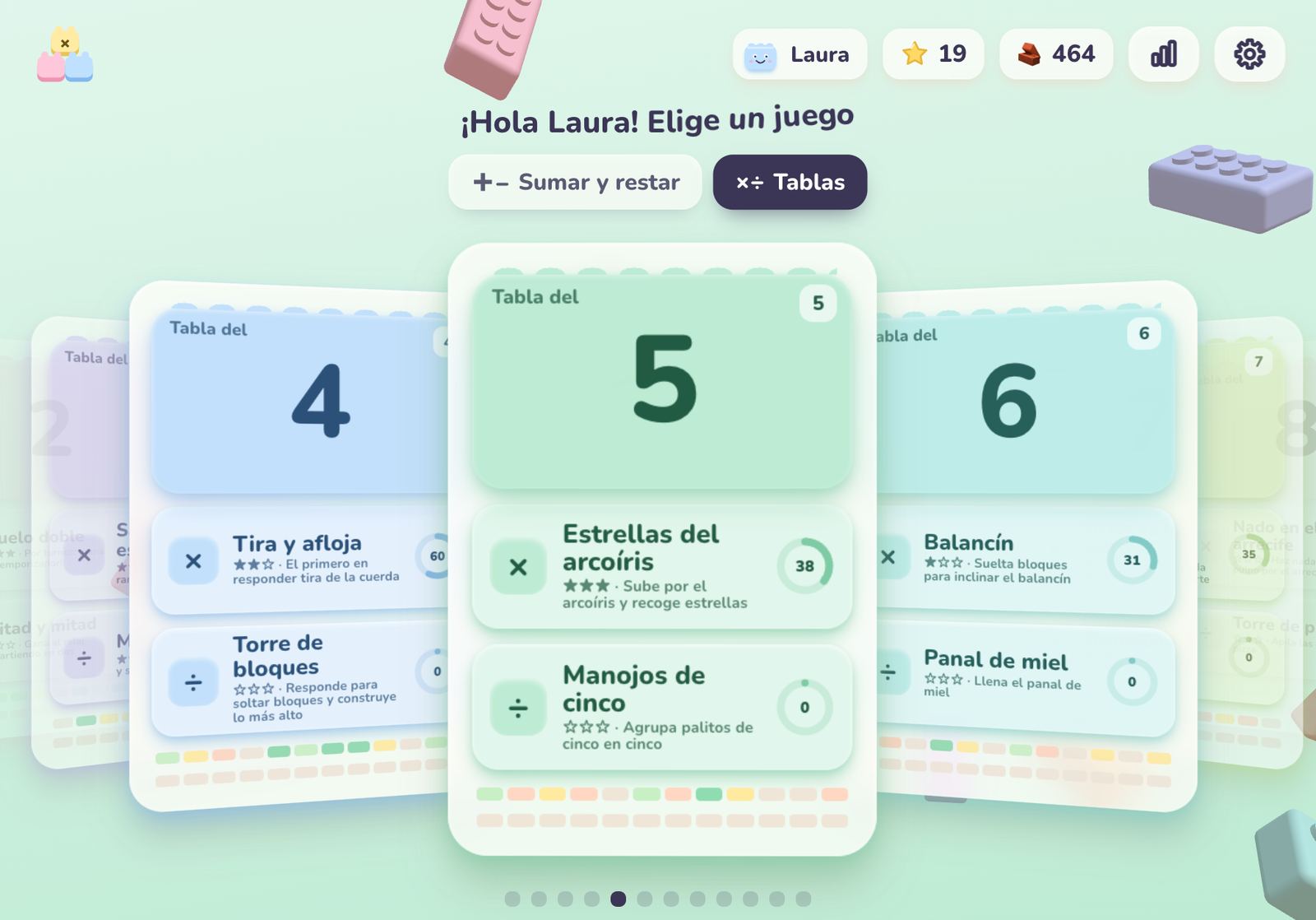
Pick your table
From ×1 to ×12, multiplying and dividing, plus four levels of adding and subtracting. Every card is a different world.
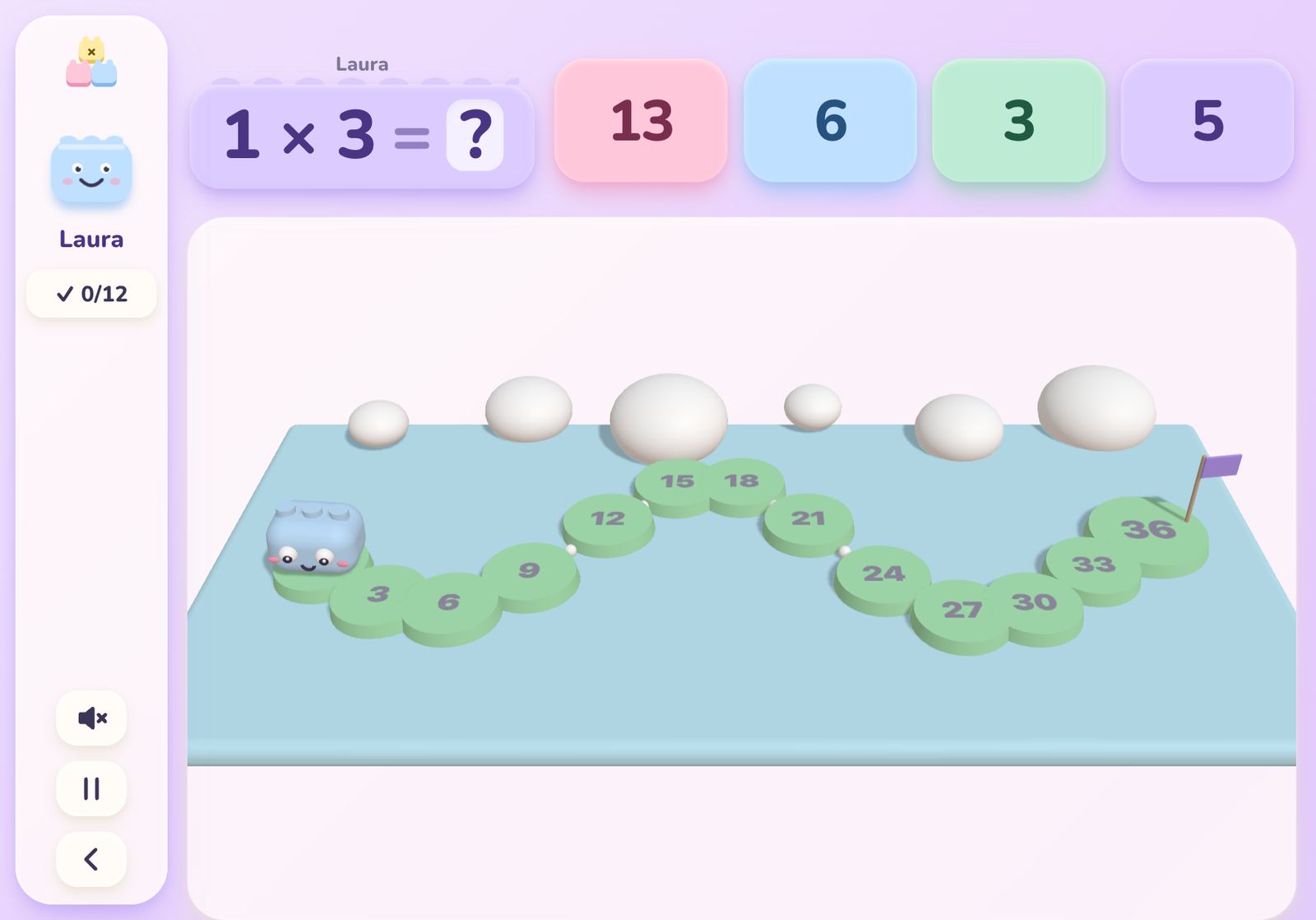
Play fearlessly
A frog hopping across lily pads, a tug of war, pizza boxes to stack, a clock to beat. If you slip, a visual helper appears: never a punishment.
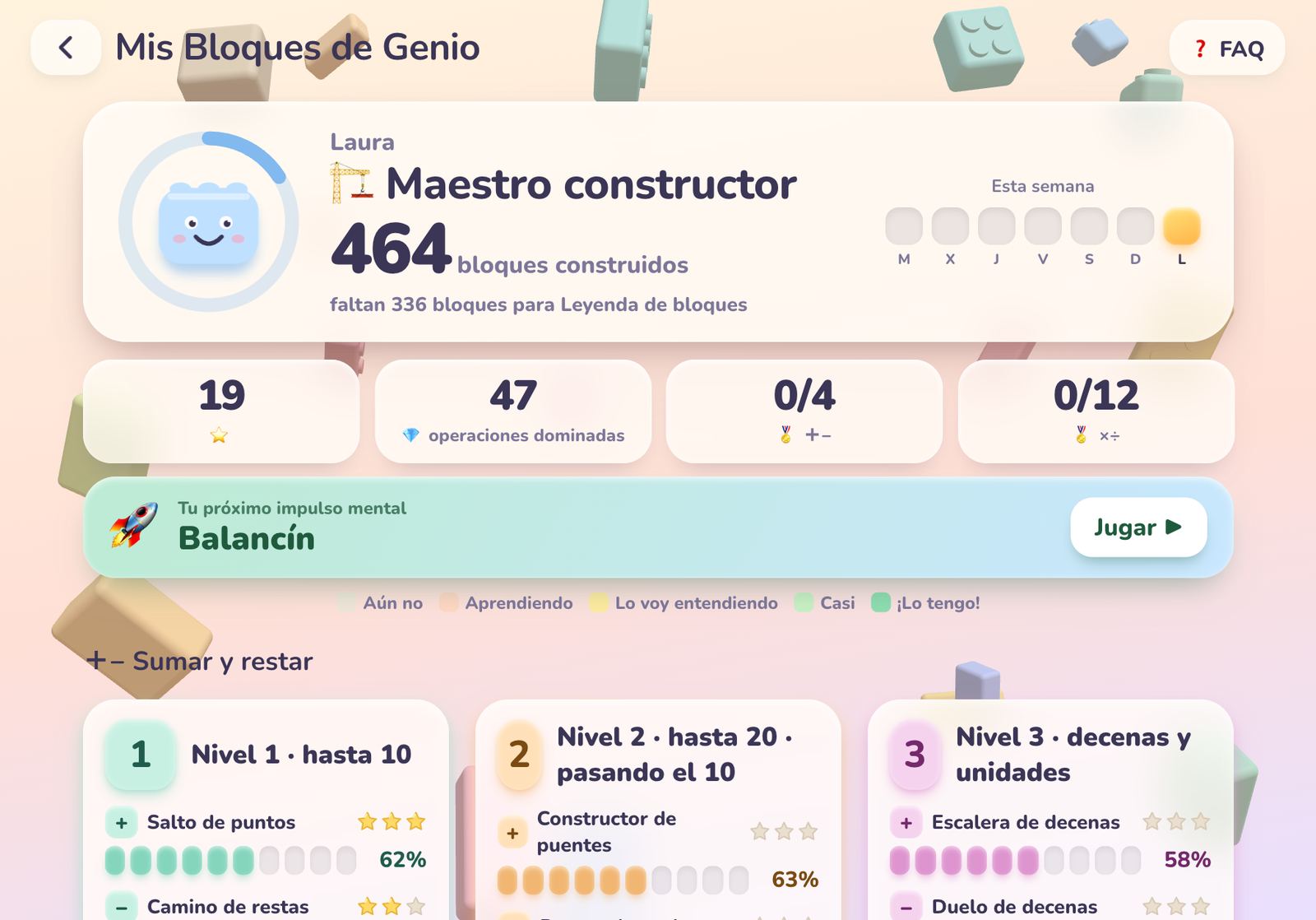
Watch your blocks grow
“My Brain Blocks” shows how well each fact is known and what to practise next. Accuracy first, speed later.
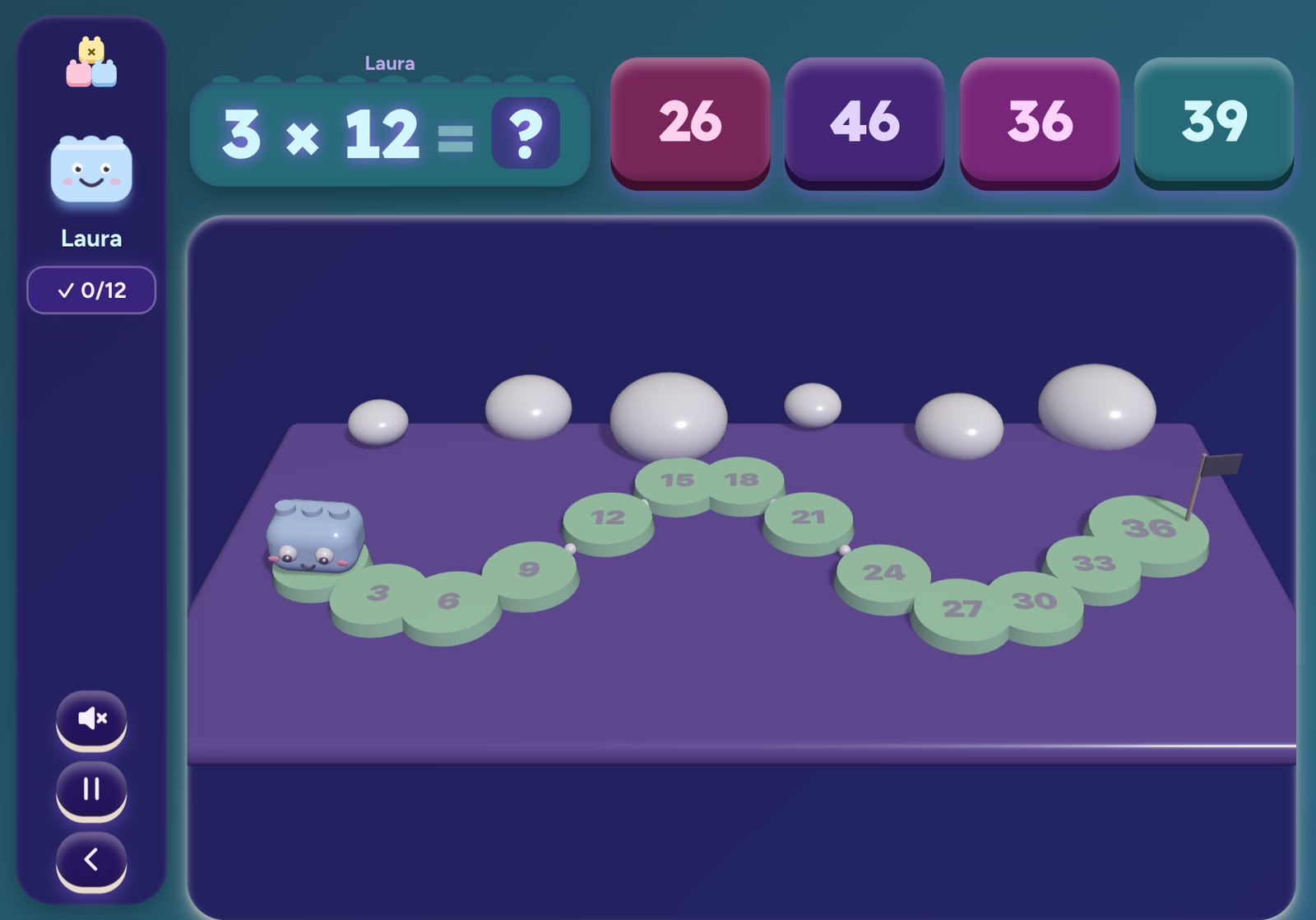
Little Builders
Soft, round toy blocks. For the youngest.
Cadet Squad
Missions, cubes, planets and ships, in army green.
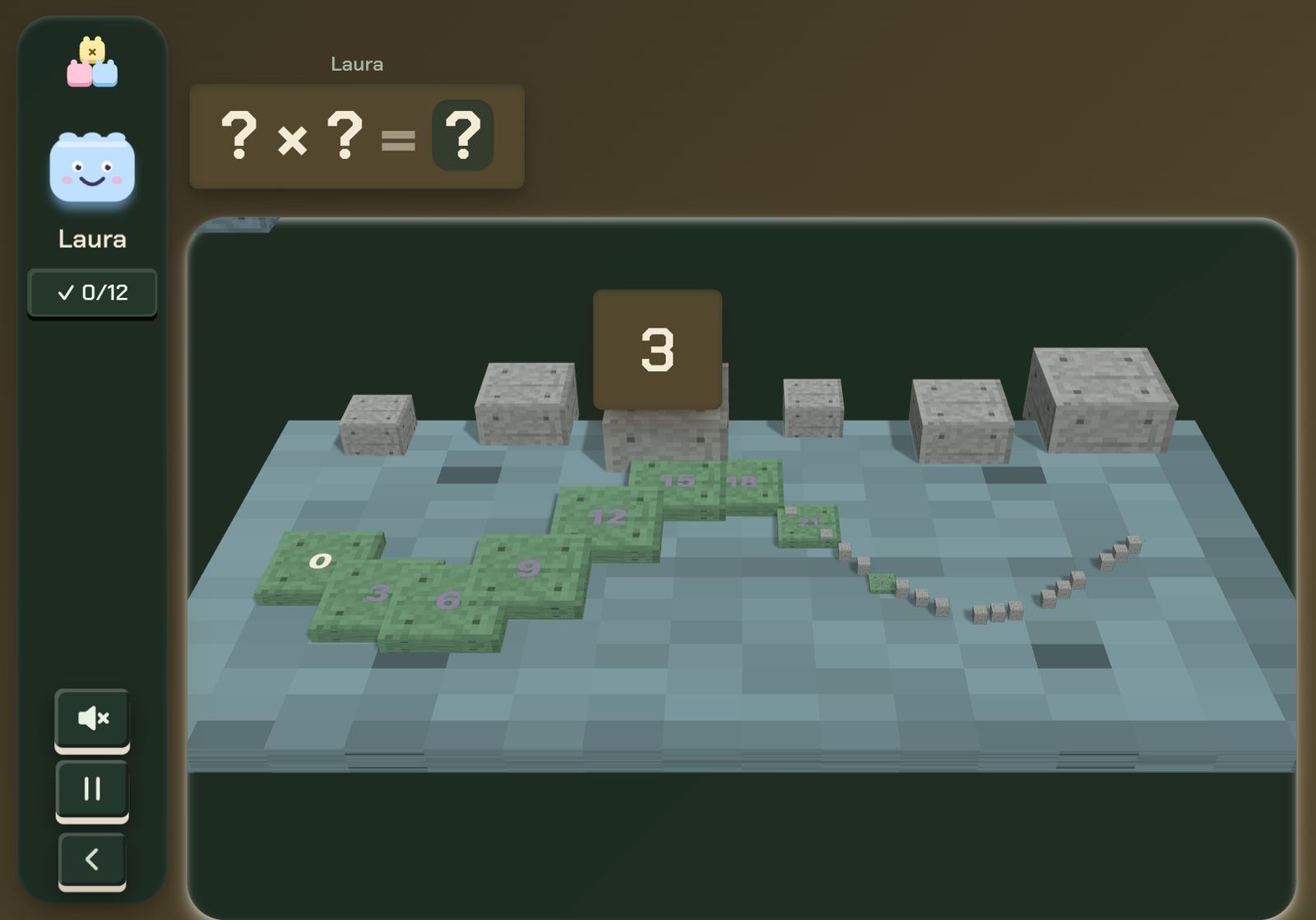
K-Star Stage
A K-pop stage with neon, sushi and microphones.
same games, three souls
Three worlds. You choose.
Try them right here: this whole page changes skin, just like the game.
Your progress is yours.
So there is no database full of children, this version keeps everything in your browser. We tell you straight.
In your browser
Your progress, the name you choose and your settings live in your device’s local storage.
No database
No accounts, cookies, ads or analytics. We could not see anything about your child even if we wanted to.
Back-up
“Back up progress” in Settings exports a file you keep, and you import it on another device.
The flip side: if you clear the browser data or switch devices, you start over (Safari may also clean sites you have not opened for weeks). Add the game to your Home Screen and make a back-up. A notice inside the game reminds you the first time. Legal detail.
the story
It all started with a sheet of QR codes.
One Saturday, a silly idea and an artificial intelligence: how a whole game was made in a weekend.
Read the story →why it exists
I made it for her.
That is Laura, my daughter, playing one evening on the sofa. No sound, just her hands and a frog hopping across lily pads. Everything on this page exists so that moments like this can happen.
Laura, three stars later. ♥
the app
It was born as an app. And it’s free.
L.A.U.R.A. Math Quest was made as an iPad app from the very first line. This web version came later, with the same code, so you can try it in any browser. The app is on its way to the App Store, and this is what it will bring:
- Works offline: in the car, on a plane, at grandma’s.
- It keeps your progress also in a file inside the iPad: it survives even if you clear Safari.
- Tilt the iPad and the world moves: it uses the motion sensors (the browser can only imitate it with a mouse).
- Full screen, no bars or tabs: one tap from your Home Screen.
- Built for the App Store Kids category: no ads, no purchases and no tracking.
- It will be free.
iPad only for now (iPadOS 17 or later).
who is behind it
Hi, I’m Luis.
theguaz online: Guajardo + Díaz, a handle I coined back when Hotmail was the new thing, and never let go. A Chilean creative technologist based in Hilversum, working at .Monks. I started in interactive websites and physical installations over fifteen years ago, and moved into generative AI early.
L.A.U.R.A. Math Quest is a personal project: I made it in a weekend together with an AI, and left it free. My favourite brief is the one without a reference.
questions
What people ask
Which came first, the web or the app?
The app. L.A.U.R.A. Math Quest was born as an iPad app, and that was always the goal. The web version came later, with the same code and the same 32 games, so anyone could try it without installing anything. The story tells it.
When does the app come out?
Soon. It is on its way to the App Store; when it is out, this site will have the download button. Meanwhile you can play here from an iPad, a tablet or a computer.
Is it free?
Yes. Playing here is free, and the iPad app will be too. There are no ads.
What happens with my child’s data?
Nothing leaves your device. In the browser it is saved in local storage; in the app, inside the iPad. There are no accounts and no server to receive it.
Can I continue on another device?
Yes, by hand: “Back up progress” → Export on one and Import on the other. There is no automatic sync, on purpose: there is no server.
Does it work on a phone?
No. The browser game is made for iPad, tablets and computers, and it is switched off on phones on purpose: the screen is too small for the 3D games.
Why is it called L.A.U.R.A.?
For five verbs: Learn, Add, Unlock, Reach, Achieve. And because it was born with the name Laura.
Is it good for school?
It practises the tables from 1 to 12 and adding and subtracting up to 100. It is not tied to a particular curriculum.
Who made it?
Luis Guajardo, a Chilean based in Hilversum (the Netherlands), together with an AI. The story tells how.